أدخل بيانات رمز QR
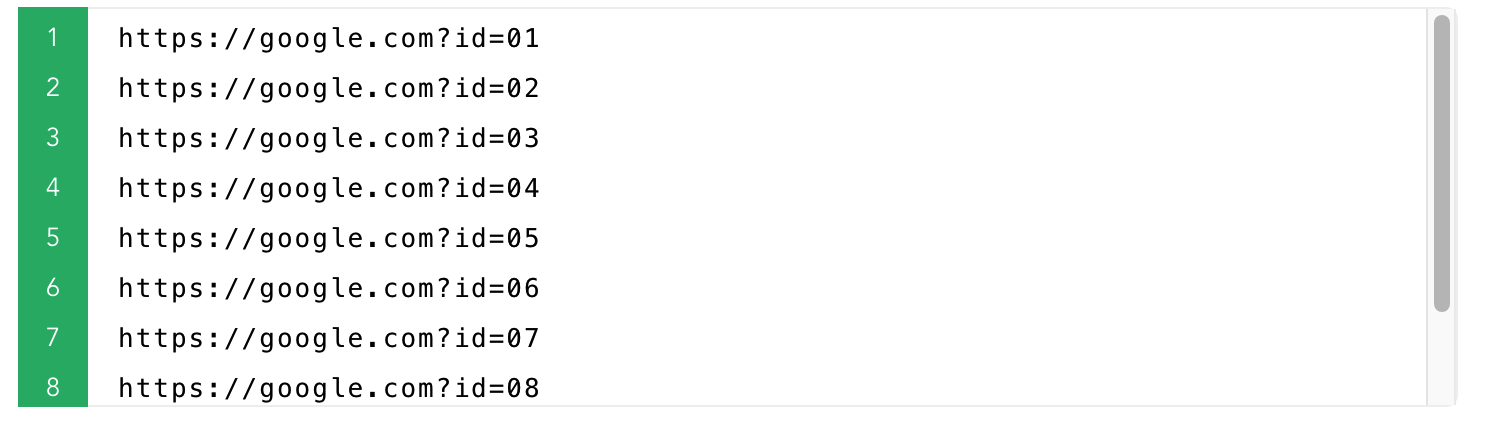
سطر واحد لكل رمز أو استيراد Excel
اختر النمط وحالة الاستخدام
الحجم والألوان والشعار ونص التسمية
الإنشاء أو التنزيل أو الطباعة
تنزيل ZIP أو الطباعة أو التصدير إلى PDF
إعدادات جاهزة
1بيانات رمز QR
اسم ملف مخصصاختياري
يمكنك تخصيص اسم ملف رمز QR الذي تم إنشاؤه
2. قم بتعيين الخيارات أدناه إذا كنت بحاجة إليها.
3. انقر على زر 'إنشاء رموز QR'.
4. بمجرد إنشاء رموز QR، يمكنك تنزيل كل رمز QR بشكل فردي، أو تنزيلها جميعًا في ملف '.zip' واحد.
2معاينة إعدادات رمز QR
Style examples
{{n}}
Style examples
{{n}}
{{basic.base.size + basic.base.margin*2}} × {{basic.base.size + basic.base.margin*2}} px · {{((basic.base.size+basic.base.margin*2)/basic.base.dpi *2.55).toFixed(1)}} cm
{{basic.base.size + basic.base.margin*2}} × {{basic.base.size + basic.base.margin*2}} px · {{((basic.base.size+basic.base.margin*2)/basic.base.dpi *2.55).toFixed(1)}} cm · {{basic.base.dpi}} DPI
الهامش (المنطقة الهادئة): {{basic.base.margin}} px
يمكن تحميل ملفات jpg/png فقط، ولا تزيد عن 500 كيلوبايت
[Size:{{basic.logo.size.toFixed(2)*10}}% of QR code width]
عرض البيانات في رمز QR
Example: {{autoData.data}}{{prefixZero(autoData.start,(autoData.end).toString().length)}} ~ {{autoData.data}}{{autoData.end}}
Example: {{autoName.data}}{{prefixZero(autoName.start,(autoName.end).toString().length)}} ~ {{autoName.data}}{{autoName.end}}
QR data rows: {{ contentLineCount }} (suggested End)
معاينة (الصفوف الأولى)
| {{ col.label }} |
|---|
| {{ row[ci] != null ? row[ci] : '' }} |