QR 코드 데이터 입력
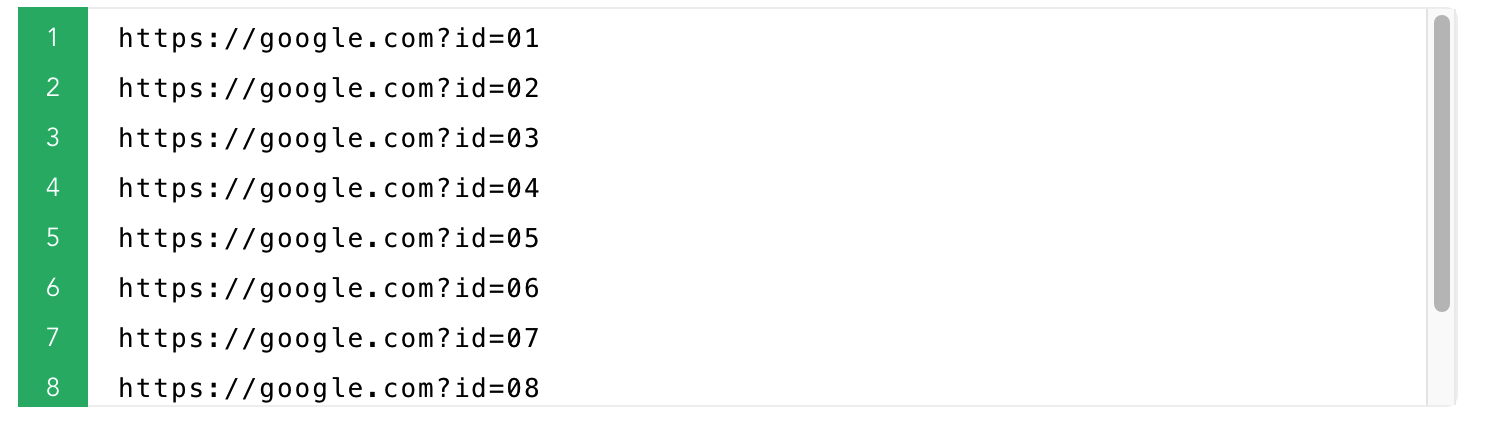
한 줄에 하나, 또는 Excel 가져오기
스타일과 용도 선택
크기, 색상, 로고, 라벨 텍스트
생성, 다운로드 또는 인쇄
ZIP 다운로드, 인쇄 또는 PDF 내보내기
빠른 프리셋
1QR 코드 데이터
사용자 지정 파일 이름선택
생성된 QR 코드 파일의 이름을 사용자 지정할 수 있습니다
2. 필요한 경우 아래 옵션을 설정하세요.
3. 'QR 코드 생성' 버튼을 클릭하세요.
4. QR 코드가 생성되면 각 QR 코드를 개별적으로 다운로드하거나 모두 하나의 '.zip' 파일로 다운로드할 수 있습니다.
2QR 코드 설정 미리보기
Style examples
{{n}}
Style examples
{{n}}
{{basic.base.size + basic.base.margin*2}} × {{basic.base.size + basic.base.margin*2}} px · {{((basic.base.size+basic.base.margin*2)/basic.base.dpi *2.55).toFixed(1)}} cm
{{basic.base.size + basic.base.margin*2}} × {{basic.base.size + basic.base.margin*2}} px · {{((basic.base.size+basic.base.margin*2)/basic.base.dpi *2.55).toFixed(1)}} cm · {{basic.base.dpi}} DPI
여백(콰이어트 존): {{basic.base.margin}} px
jpg/png 파일만 업로드 가능하며, 500kb를 초과할 수 없습니다
[Size:{{basic.logo.size.toFixed(2)*10}}% of QR code width]
QR 코드의 데이터 표시
Example: {{autoData.data}}{{prefixZero(autoData.start,(autoData.end).toString().length)}} ~ {{autoData.data}}{{autoData.end}}
Example: {{autoName.data}}{{prefixZero(autoName.start,(autoName.end).toString().length)}} ~ {{autoName.data}}{{autoName.end}}
QR data rows: {{ contentLineCount }} (suggested End)
미리보기(첫 행)
| {{ col.label }} |
|---|
| {{ row[ci] != null ? row[ci] : '' }} |