輸入 QR 碼數據
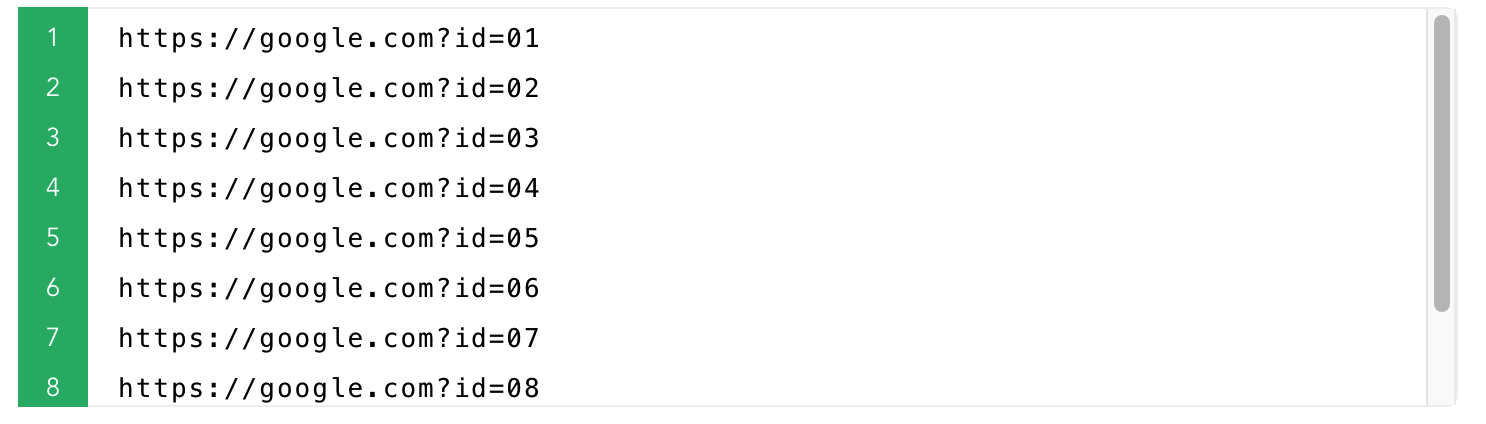
每行一項,或從 Excel 匯入
選擇樣式與用途
尺寸、顏色、Logo 與標籤文字
生成、下載或列印
下載 ZIP、列印或匯出 PDF
QR碼數據
自定義文件名
您可以自定義生成的QR碼文件名
2. 如有需要,請設置以下選項。
3. 點擊'生成QR碼'按鈕。
4. QR碼創建完成後,您可以單獨下載每個QR碼,或將它們全部下載為一個'.zip'文件。
預覽QR碼設置
Style examples
{{n}}
Style examples
{{n}}
尺寸:{{basic.base.size + basic.base.margin*2}}px / {{((basic.base.size+basic.base.margin*2)/basic.base.dpi *2.55).toFixed(1)}}CM
[尺寸:{{basic.base.size + basic.base.margin*2}} px] [Print Size :{{((basic.base.size+basic.base.margin*2)/basic.base.dpi *2.55).toFixed(1)}} CM]
[邊距:{{basic.base.margin}} px]
僅支持上傳jpg/png文件,且不超過500kb
[Size:{{basic.logo.size.toFixed(2)*10}}% of QR code width]
QR碼中的數據顯示
Example: {{autoData.data}}{{prefixZero(autoData.start,(autoData.end).toString().length)}} ~ {{autoData.data}}{{autoData.end}}
Example: {{autoName.data}}{{prefixZero(autoName.start,(autoName.end).toString().length)}} ~ {{autoName.data}}{{autoName.end}}
QR data rows: {{ contentLineCount }} (suggested End)
預覽(前幾列)
| {{ col.label }} |
|---|
| {{ row[ci] != null ? row[ci] : '' }} |