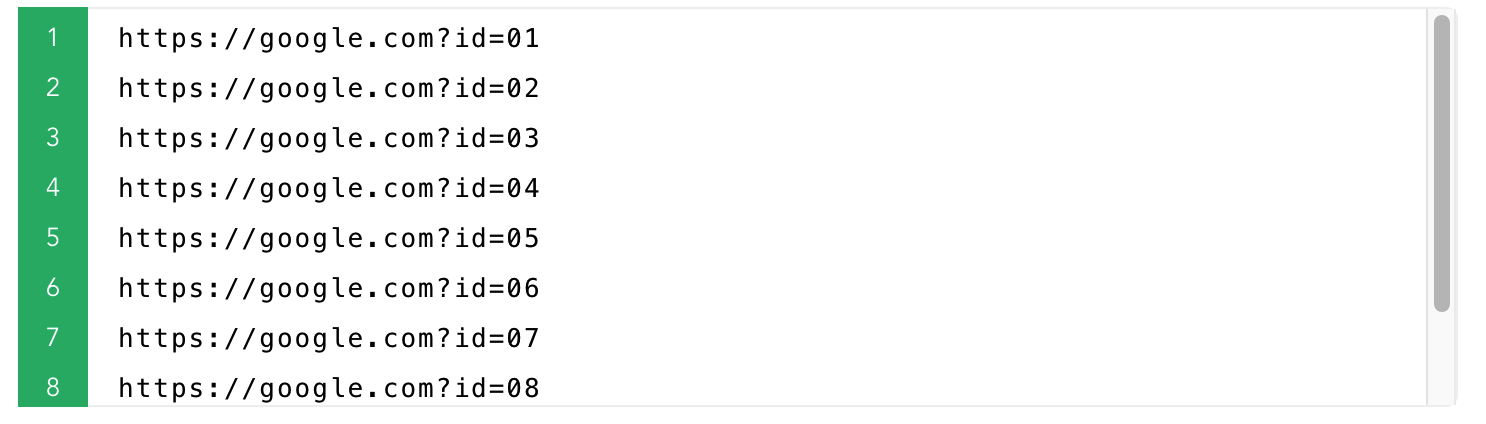
QRコードデータ
カスタムファイル名
生成されたQRコードファイルの名前をカスタマイズできます
2. 必要に応じて以下のオプションを設定してください。
3. 'QRコードを生成'ボタンをクリックしてください。
4. QRコードが作成されたら、各QRコードを個別にダウンロードするか、すべてを1つの'.zip'ファイルでダウンロードできます。
QRコード設定のプレビュー
Style examples
{{n}}
Style examples
{{n}}
サイズ:{{basic.base.size + basic.base.margin*2}}px / {{((basic.base.size+basic.base.margin*2)/basic.base.dpi *2.55).toFixed(1)}}CM
[サイズ:{{basic.base.size + basic.base.margin*2}} px] [Print Size :{{((basic.base.size+basic.base.margin*2)/basic.base.dpi *2.55).toFixed(1)}} CM]
[余白:{{basic.base.margin}} px]
jpg/pngファイルのみアップロード可能で、500kb以下である必要があります
[Size:{{basic.logo.size.toFixed(2)*10}}% of QR code width]
QRコードのデータ表示
Example: {{autoData.data}}{{prefixZero(autoData.start,(autoData.end).toString().length)}} ~ {{autoData.data}}{{autoData.end}}
Example: {{autoName.data}}{{prefixZero(autoName.start,(autoName.end).toString().length)}} ~ {{autoName.data}}{{autoName.end}}
QR data rows: {{ contentLineCount }} (suggested End)
Preview (first rows)
| {{ col.label }} |
|---|
| {{ row[ci] != null ? row[ci] : '' }} |